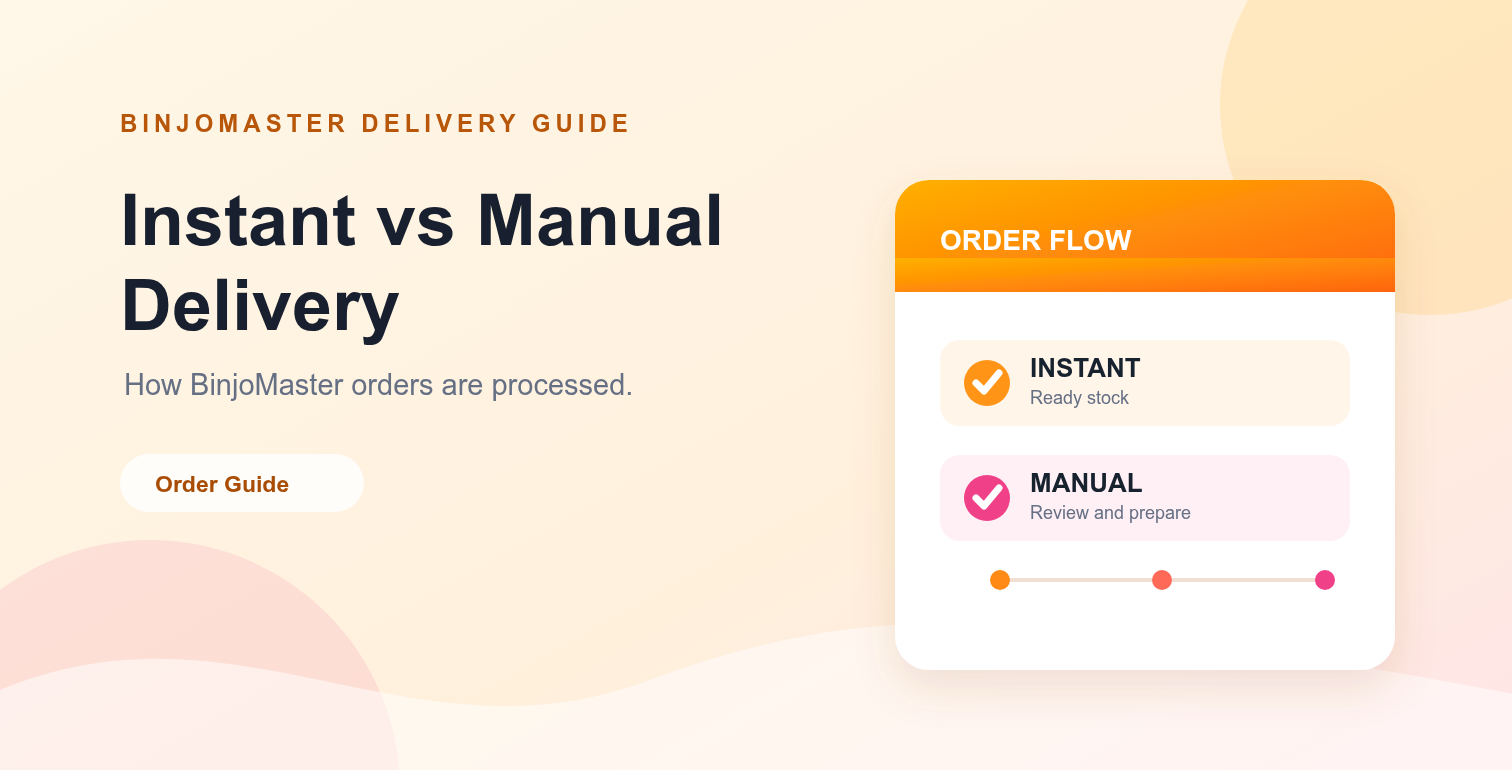
When you buy a digital product online, delivery speed and order visibility matter. BinjoMaster uses two main delivery paths: instant delivery for eligible stock and manual delivery for orders that need payment review, preparation or a support check.
Understanding the difference helps you choose the right listing and know what to expect after checkout. Always review the current product page and the delivery policy because stock, delivery method and preparation time can vary by product.
Instant vs manual delivery at a glance
| Delivery type | How it works | Typical status | Best for |
|---|---|---|---|
| Instant delivery | Eligible stock is assigned automatically after a successful payment confirmation. | Paid, fulfilled or delivered | Orders where available stock is ready for automatic fulfillment. |
| Manual delivery | The order enters a review and preparation queue before delivery is completed. | Payment review, being prepared or manual delivery pending | Custom, bulk or products that need a manual fulfillment step. |
How instant delivery works
Instant delivery is designed for products with eligible stock ready to be assigned automatically. After checkout, the payment is checked and the order can move directly to fulfillment when the required stock is available.
- Select a product that clearly shows instant delivery or an eligible automatic delivery method.
- Complete checkout and follow the payment instructions.
- Wait for payment confirmation on the order.
- Once the order is fulfilled, open your dashboard to review the delivery.
Instant does not mean that every payment confirmation is immediate. Network confirmation, stock availability and account status can affect the final delivery step.
How manual delivery works
Manual delivery means that a support or fulfillment step is required. This can apply to larger quantities, custom requests, special product batches or orders that need a payment review before preparation begins.
- The order is created after checkout.
- The payment is reviewed and the order status is updated.
- The fulfillment team prepares the requested product or confirms the available details.
- The delivery is added to the order and becomes available from the customer dashboard when complete.
Manual delivery gives the team time to verify the order and prepare the correct quantity. For a current estimate, check the order status or contact support.
What the order statuses mean
Payment review
The payment has been submitted or the order needs a confirmation step. The delivery timer should not be treated as started until payment is confirmed.
Being prepared
Payment has been confirmed and the fulfillment team is preparing the order. Keep the order page available so you can review the next status update.
Manual delivery pending
The order is paid and waiting in the manual fulfillment queue. This status is normal for products that cannot be delivered automatically.
Delivered
The order has been fulfilled. Sign in to your dashboard to review the delivery details or download the available order file.
Needs support
The order needs attention from the support team. Contact support with your order number and do not submit the same payment repeatedly unless instructed.
How to avoid delivery delays
- Check the product title, quantity and delivery method before checkout.
- Use the correct payment amount and network shown on the payment page.
- Keep your order number and payment reference available.
- For bulk or custom orders, ask support about stock before paying.
- Review the FAQ and refund policy if a payment or delivery issue occurs.
Instant and manual delivery are both useful
Instant delivery is convenient when eligible stock is ready for automatic fulfillment. Manual delivery is useful when an order needs review, preparation, custom handling or a larger quantity. Neither method is automatically better; the right option depends on the product and your requirements.
Choose a listing with clear details, follow the order status in your dashboard, and contact support when the order needs clarification. This creates a smoother process for both the customer and the fulfillment team.
Final takeaway
Instant delivery moves eligible orders through automatic fulfillment after payment confirmation. Manual delivery adds a preparation and review step for products that need extra handling. Read the product details before ordering, keep your payment reference, and use the dashboard to follow the order from payment review to delivery.