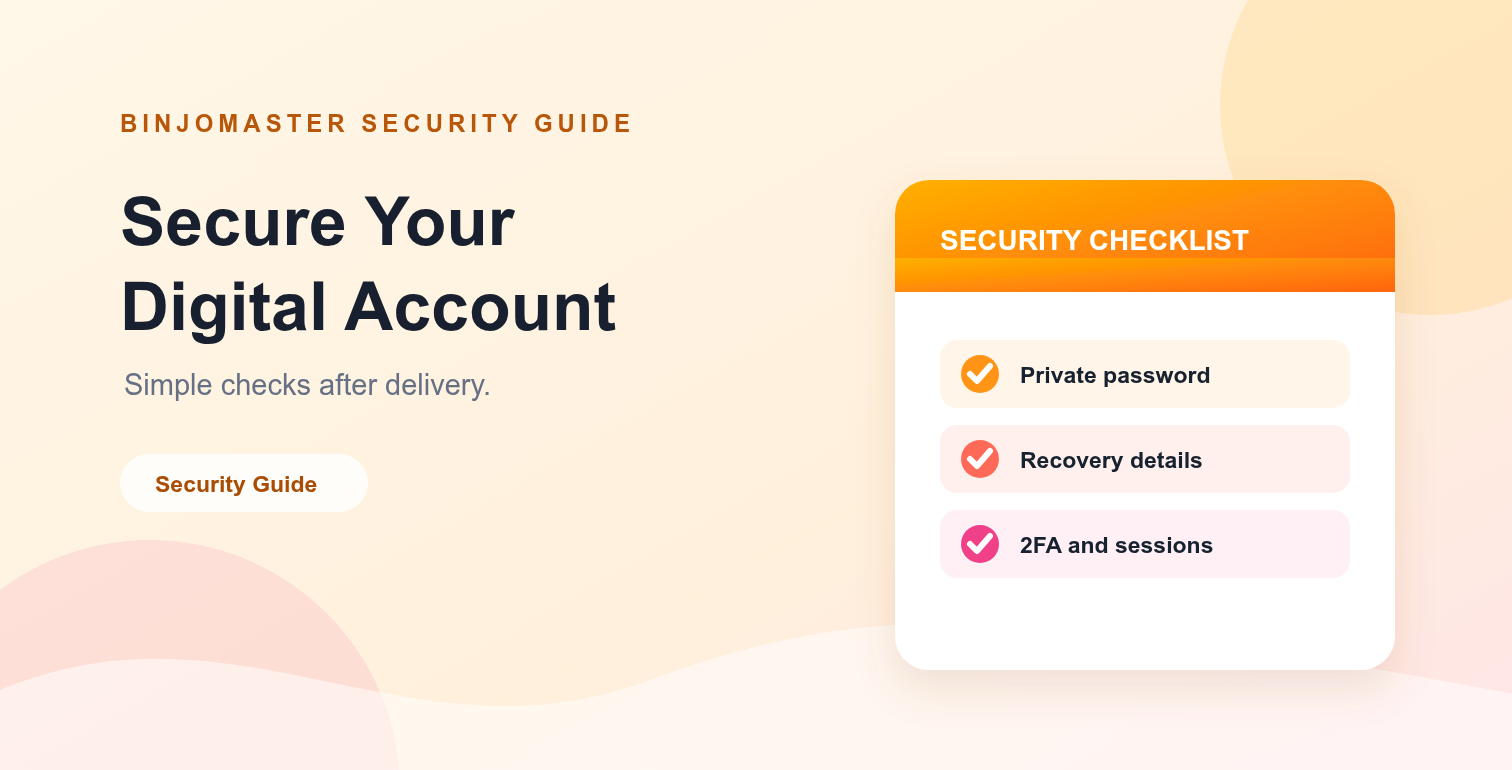
Receiving a digital account is not the end of the setup process. A short security review helps you understand what was delivered, confirm the included details and keep the account safer for your legitimate workflow.
The exact options depend on the platform and product listing. Do not attempt to bypass a platform's security systems or use an account for impersonation, spam, misleading activity or any prohibited purpose.
Post-delivery security checklist
| Check | What to review | Why it matters |
|---|---|---|
| Access | Confirm the delivered sign-in details work and match the order. | Helps you identify missing or incorrect information early. |
| Password | Change the password when the platform and listing allow it. | Creates a private credential for your own use. |
| Recovery | Review recovery email, phone or backup options. | Shows which recovery methods are available to you. |
| 2FA | Enable or review two-factor authentication if supported. | Adds another security layer beyond the password. |
| Sessions | Review active devices and sign out of sessions you do not recognize. | Reduces the chance of leaving an unknown session active. |
First: check what was delivered
Compare the delivered information with the product title and description. Check the platform, account type, location or other listed characteristics, and confirm whether email access, 2FA or recovery details were included.
If an important item is missing or does not match the listing, save your order number and contact support before making unnecessary changes.
Use a private password
If the platform allows password changes and the product terms do not say otherwise, create a strong password that you do not use anywhere else. Avoid names, dates, simple patterns and passwords already used on another service.
Store the password in a reputable password manager instead of a public note, chat message or unprotected document. Never share it with people who do not need access.
Review recovery and 2FA
Recovery details
Check which recovery email, phone number or backup method is attached to the account. Do not assume that every listing includes every recovery option. If the listing does not include a recovery method, review the platform's own account-security instructions.
Two-factor authentication
When the platform supports two-factor authentication, review the current method and enable it where appropriate. Keep backup codes private and store them securely. Never send one-time codes or backup codes to support, sellers or other people.
Review active sessions and devices
Open the platform's security or login activity area and review recent sessions. Sign out of devices or locations you do not recognize, then check again after your next login. This is especially important if the account was delivered with a session already active.
Do not click unknown links sent through messages or email. Open the platform directly from its official website or app when reviewing security settings.
Use the account responsibly
- Follow the platform's terms, community rules and applicable law.
- Do not impersonate another person or mislead other users.
- Do not send unwanted bulk messages or automate prohibited activity.
- Keep payment references, order details and support messages private.
- Review the privacy policy and disclaimer for marketplace information.
When to contact support
Contact support if the delivered details do not match the product description, a required item is missing, the order status is unclear or you need help understanding the delivery record. Include the order number and a short description of the issue, but do not send your password, one-time code or private recovery code.
You can also review the FAQ and delivery policy before contacting the team.
Final takeaway
A post-delivery security review should confirm access, check recovery options, protect the password, review 2FA and remove unknown sessions. Take these steps carefully, keep sensitive credentials private and use the account only in ways that follow the relevant platform rules.