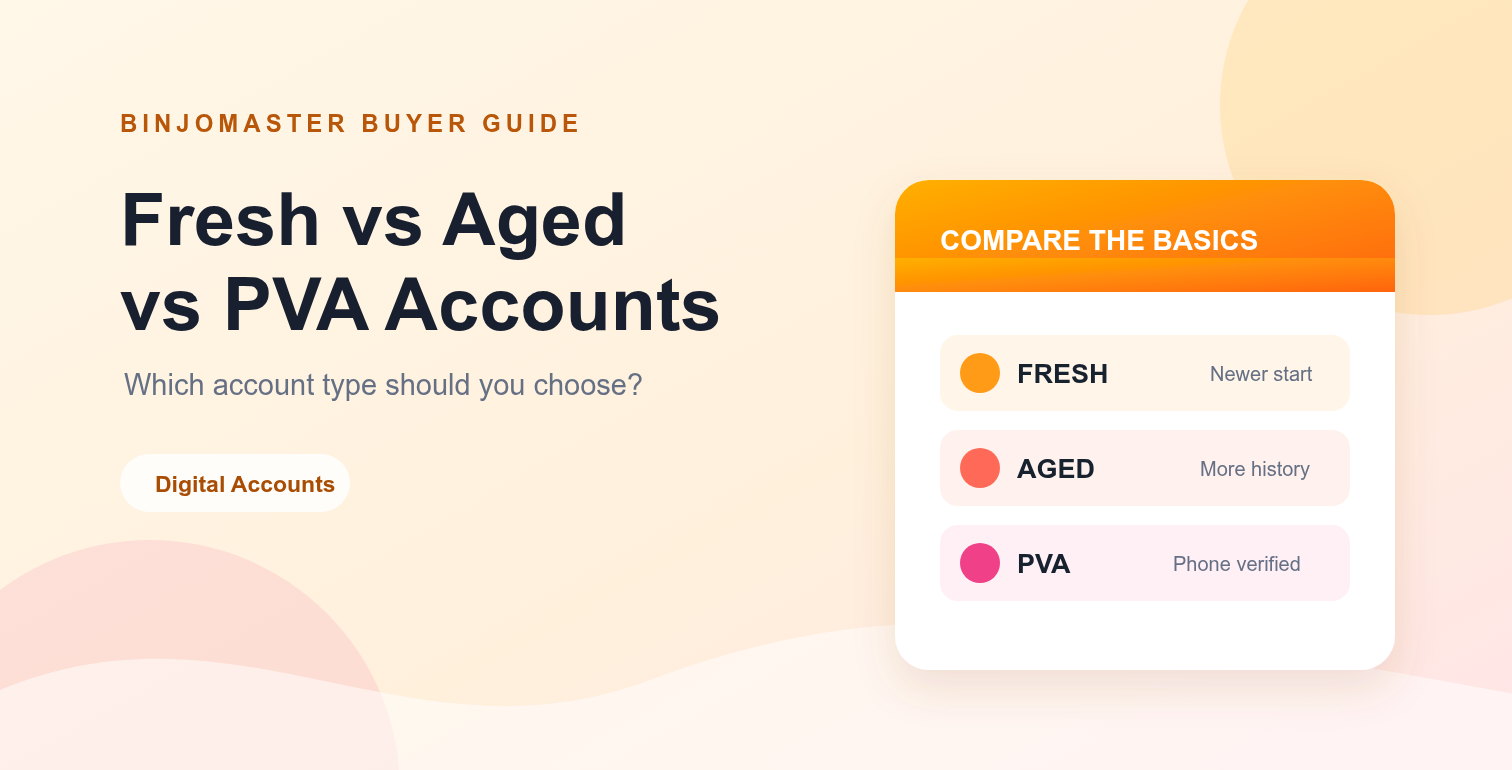
Choosing between a fresh, aged or PVA account can be confusing when product names look similar. The right choice depends on your intended platform, how much account history matters to you, the information included in the listing, and the support you expect after purchase.
This guide explains the common differences in simple terms. Always review the individual listing, follow the platform's rules, and avoid using any account for misleading, abusive or prohibited activity.
Quick comparison
| Listing type | What it usually means | May suit | Check before buying |
|---|---|---|---|
| Fresh | A newer account with limited history. | Testing a workflow or starting a new project. | Creation details, recovery options and current status. |
| Aged | An account with an older creation date or more history. | Projects where account age is relevant. | Last activity, profile completeness and listing accuracy. |
| PVA | A listing described as phone-verified or phone-activated. | Workflows that require the relevant verification step. | Platform, country, verification method and what is included. |
What is a fresh account?
A fresh account is generally a newer account with little or no history. It can be a straightforward option when you want a clean starting point and do not need an older creation date.
Fresh does not automatically mean better or worse. It simply means that you should pay close attention to setup details, recovery information, the product description and any limits stated by the platform.
What is an aged account?
An aged account is usually described as having an older creation date or a longer account history. Some buyers prefer this type when the age of an account is relevant to their project or internal workflow.
Age alone is not a guarantee of quality. Check whether the listing clearly explains the account's current status, profile details, recovery options and delivery method. A transparent description is more useful than an age claim without supporting information.
What does PVA mean?
PVA commonly refers to a phone-verified or phone-activated account. The exact meaning can vary by platform and seller, so read the listing carefully instead of assuming that every PVA product includes the same features.
Before choosing a PVA listing, confirm the platform, country or location, the verification status, and whether any recovery details are included. If an important detail is missing, contact support before ordering.
How to choose the right type
Choose fresh when you want a clean starting point
Fresh may be appropriate when your project does not depend on account age and you are comfortable completing normal setup steps yourself.
Choose aged when history is part of your requirement
Aged may be worth considering when an older creation date is important to your workflow. Verify the exact age and current status in the listing details.
Choose PVA when the verification step matters
PVA may be useful when your intended workflow specifically requires the relevant phone-verification status. Confirm that the listing matches the platform and region you need.
Five checks before you order
- Read the full product title and description, not just the category label.
- Confirm the platform, location, quantity and delivery method.
- Check whether recovery details or extra information are included.
- Review the delivery policy and refund policy before checkout.
- Ask support about unclear details before placing a bulk or custom order.
Keep your workflow compliant
Account products should only be used in ways that comply with the relevant platform's terms and applicable law. Do not use an account to impersonate someone, bypass safety systems, send unwanted messages, mislead people or carry out prohibited activity.
For marketplace information, read the FAQ, review the disclaimer, and contact support if a listing needs clarification.
Final takeaway
Fresh, aged and PVA describe different listing characteristics. The best choice is the one that matches your legitimate use case and has clear, verifiable details. Compare the listing information, ask questions before ordering, and choose transparency over an attractive label.